Problem statement
 Can we provide a link to pull me up to the start of the answer? I asked a question with a long-ish response and I’m left at the end but now need to scroll up indeterminately.
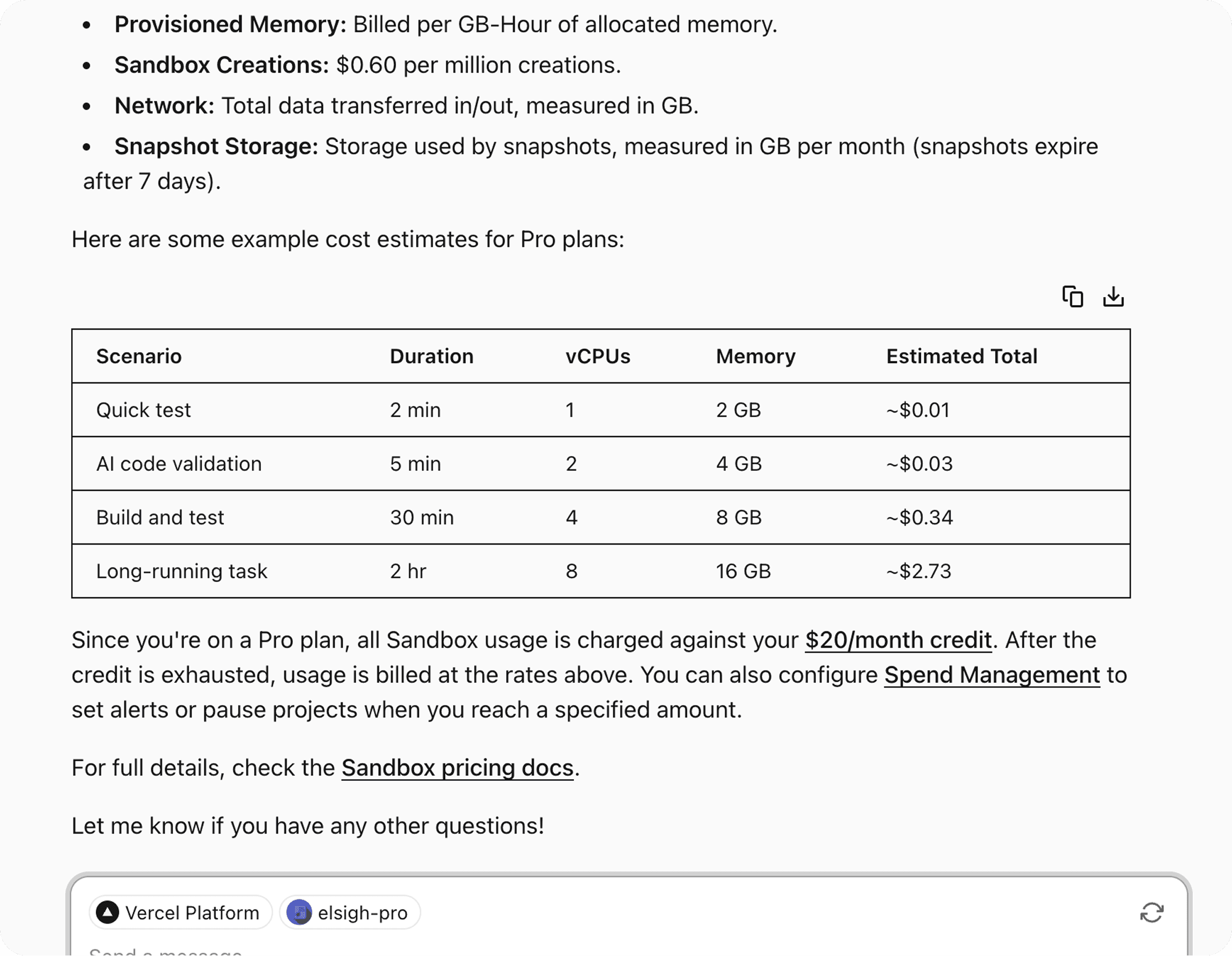
Solution №1 — Scroll button
We already have a “scroll to bottom” button that only appears when you are not scrolled to the bottom.
Seemingly the simplest solution would be to add another button to the Composer that scrolls you up to the previous message?
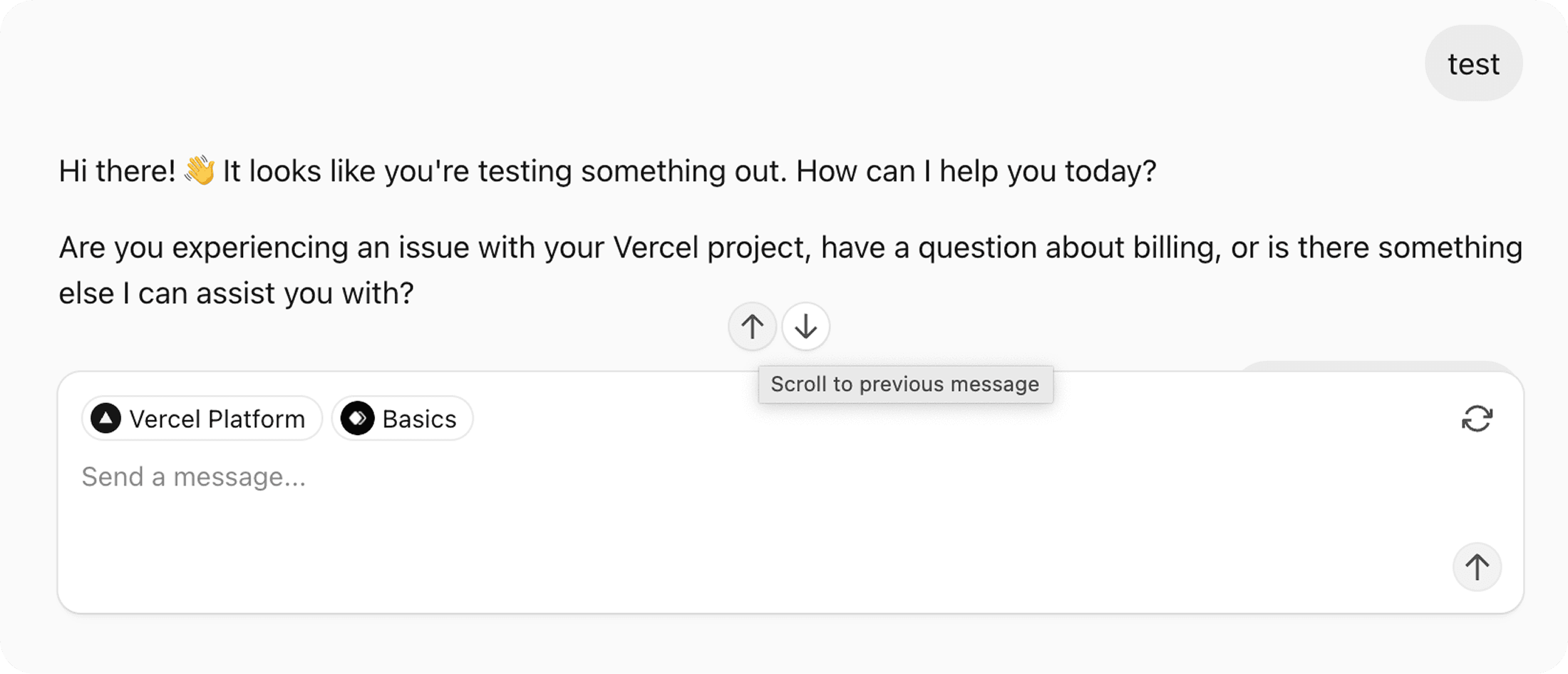
It actually worked better in practice than I thought. But I dislike how it only lets you jump to the previous message. What if I want to go back 5 messages, or to the beginning?
That’s a lot of clicks. And it’s easy to shoot past the one you wanted. So we would need to actually implement Previous and Next buttons, but there’s already a ↓ that represents “scroll to bottom” functionality...
Plus, I feel like this area becomes crowded easily.
Something something, solve multiple problems with a single design...
Solution №2 — Minimap
Could we implement a “minimap” to let you jump to any message? What would it look like?
I didn’t want an abstract minimap of chat messages like a line pattern or something less representative of the bubbles.
So with that constraint in mind an obvious solution to me was to use the chat as the map...
By temporarily collapsing the agent messages (TBD on the shortcut or interaction at this point) we end up with this sort of “stacked navigation” of user messages that one can press on to scroll to any of them.
I dislike that it becomes very jarring quickly as the agent messages shift depending on whether you’re in “minimap mode” or not... the jank gets increasingly worse when you actually choose to scroll to another message.
How do we make this idea better?
I did love the idea of collapsing the user messages, I think it’s really obvious how the map works and where you can go since the relationship between the items and their destination is clear...
So instead of the layout jank I basically just blur the rest of the conversation and animate the user messages to a stack. And pressing an item scrolls you to the destination and unblurs the conversation.
To further emphasise which message you’re being scrolled to I tried adding an animation delay to messages you aren’t being scrolled to...
This actually felt more awkward because now after scrolling a bunch of messages seemingly get thrown across the page.
I think a reasonable solution could be to keep the hover state on the selected element for the duration of the scroll. Also, it might be useful to delay the un-blurring of the conversation until thereafter...
To handle longer messages, I thought it would be neat to smoothly collapse them to a reasonable size. Two lines should be enough...?
Also, I don’t think summarising the messages with AI is a good idea. My thinking is that you're able to navigate the conversation much better if the messages are what you typed, not generated summaries which you have no memory of.
Another idea I considered was to transition the textarea offscreen to make more space for the messages.
I didn't like this because there are too many moving objects on the screen now... it feels especially jarring when you actually scroll to another message.
Also I kinda liked how it retains the context of what you’re doing by placing the messages relative to the Composer. It’s also important to retain the button that lets you enter this mode in the first place (Search icon on the top right).